01
Film yourself.
Just you, your camera and something to say.

Your original take. One request. A reel worth watching.
Just you, your camera and something to say.
 Codex
 Grok
 Claude
 IMG_1473.MOV
Your agent brings the format to your footage.
Review the reel. Make it yours. Then post.
Same person. Same moment. See what clear captions and the right visuals add.
Unzip Talking Head and give the folder to Claude Code or Codex. Your agent handles setup and helps you make the first reel.
Buy once. Keep making.
Your agent learns your format, remembers your feedback and builds your context.
Your choices carry into the next reel. And the next.
Pick Classic or Split explainer. Or paste links to a format you love: we study every frame and make it your style.
Two styles. Or create your own.
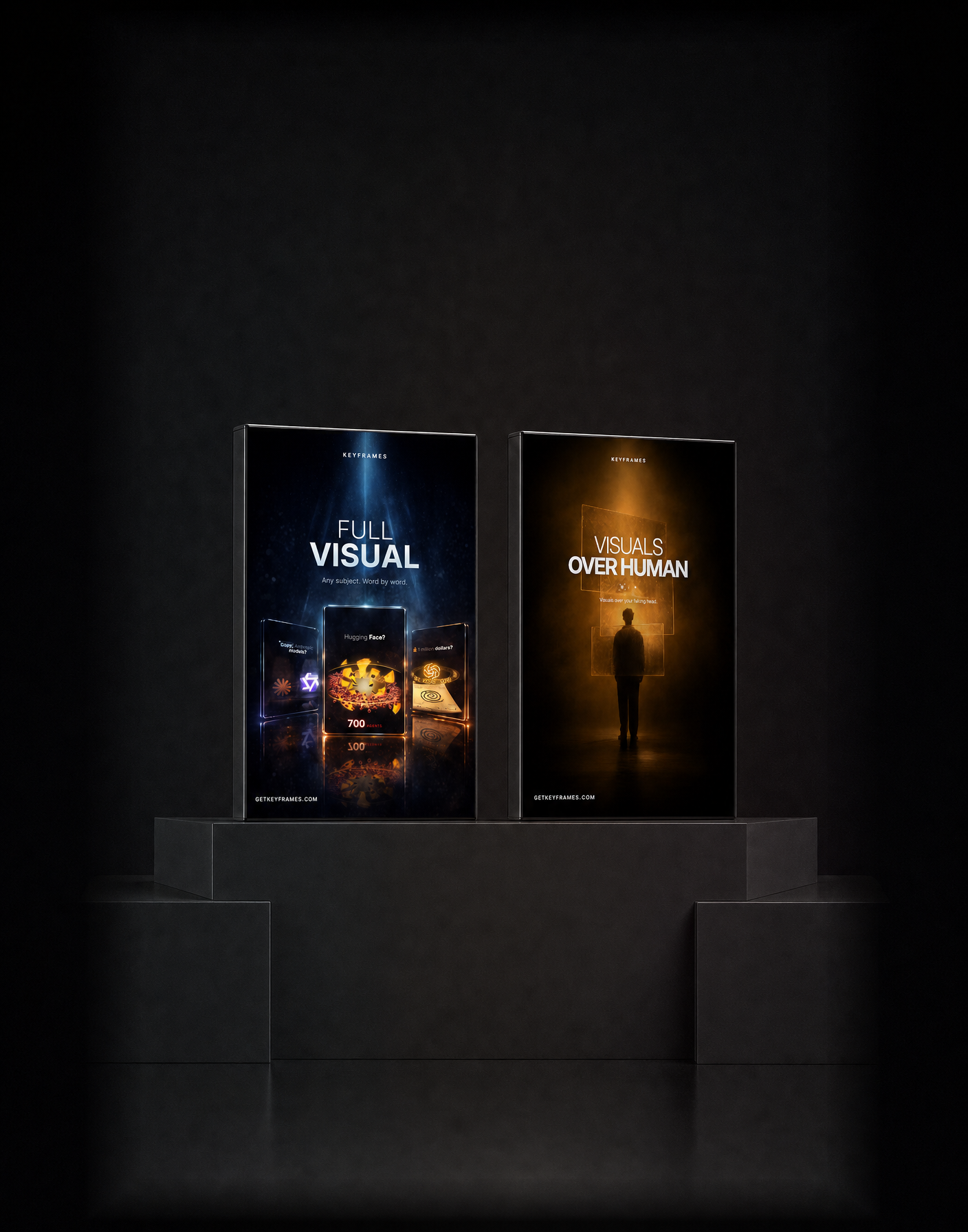
Full Visual and Talking Head. Your formats together, with one place for your work.
$129$318 one timeWhat to bring, what you keep and how it works.
Yes. It keeps your best takes and cuts the pauses and retakes without clipping a word. You watch the cut before the captions, visuals and sound go on.
Yes. Pick Classic or Split explainer, copy the captions of any video you like, or paste links to a format you love and Create my own turns it into your own style. Your choices are saved for every next video.
A downloadable folder containing video formats, instructions, working tools and a local workspace. Open it with a coding agent that can read files and run tools on your machine.
Claude Code and Codex are the primary supported agents. The folder also includes adapters for Cursor, Gemini CLI and Grok. A normal browser chat alone cannot run the local tools. Your agent plan or usage is separate.
Your agent handles setup and checks the machine. You supply the material and handle any sign-in or operating-system permission that needs you.
You get the files and post them yourself. Your originals and saved preferences stay in your local workspace.
Talking Head includes its sound effects. Other formats include measured timing and sound instructions. Commercial or trending tracks are not bundled; use the matching platform sound when instructed.